> For the complete documentation index, see [llms.txt](https://dev.pgteam.org/mods/llms.txt). Markdown versions of documentation pages are available by appending `.md` to page URLs; this page is available as [Markdown](https://dev.pgteam.org/mods/en/minecraft/enhanced.md).
# Minecraft: Enhanced
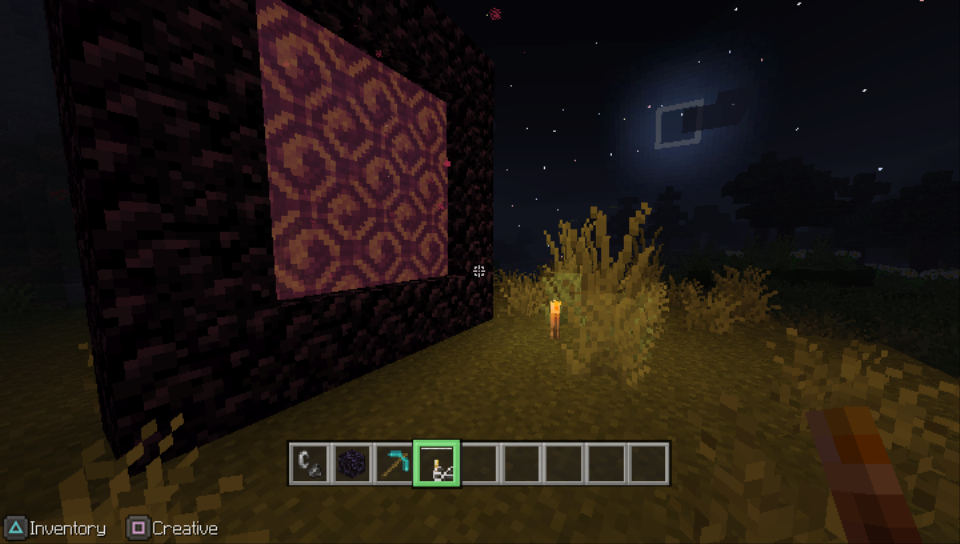
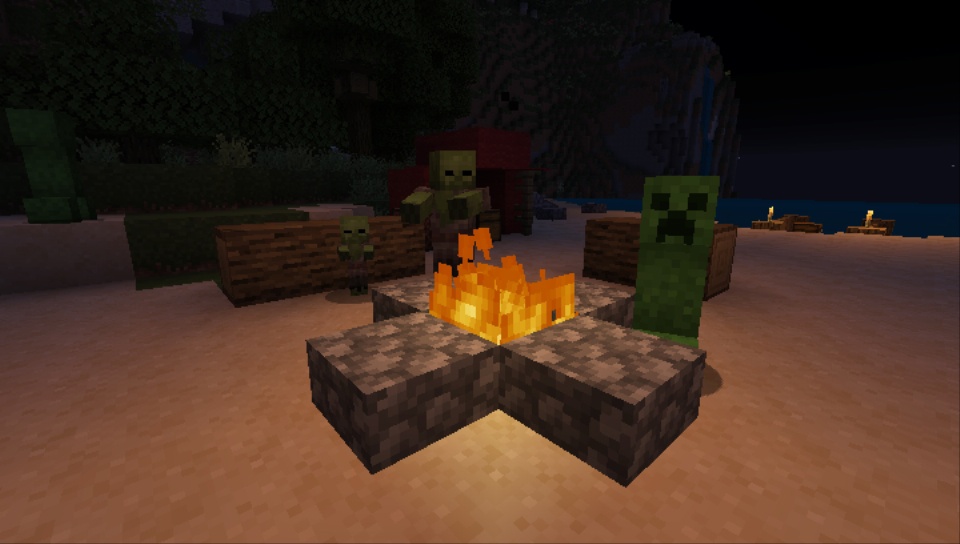
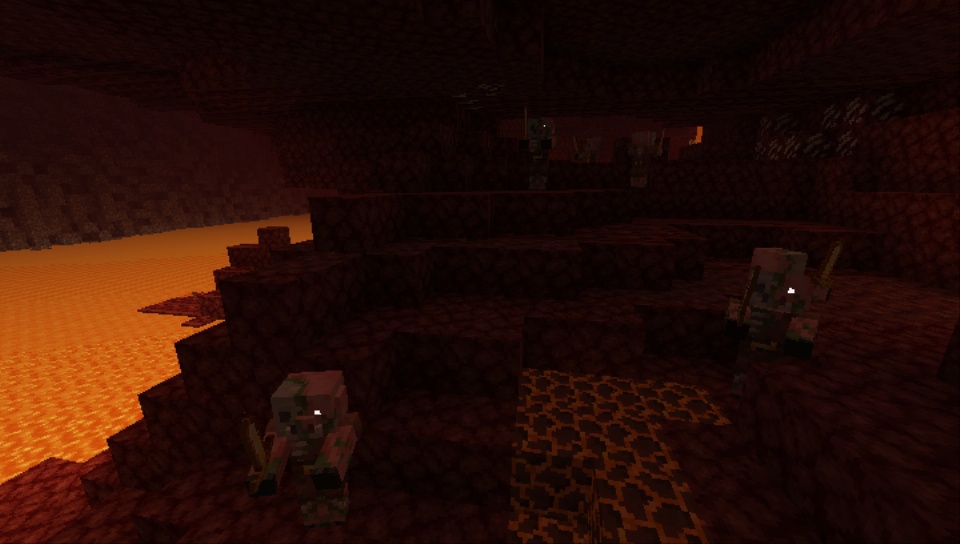
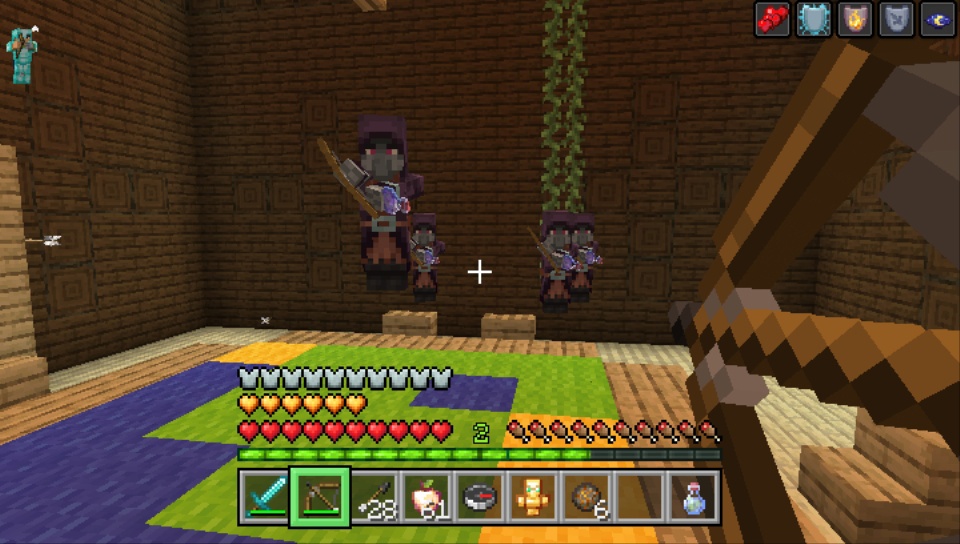
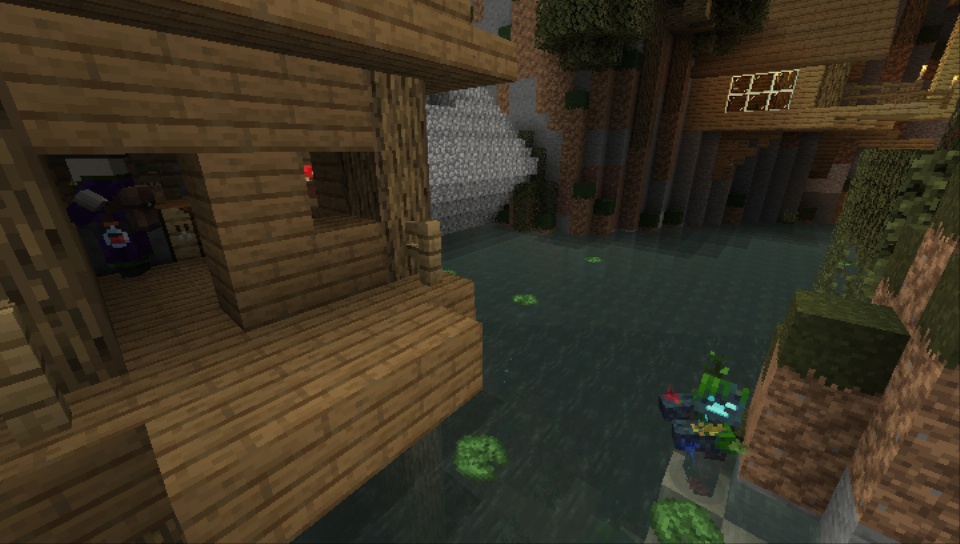
A custom modification for Minecraft: PS Vita Edition that restores and enhances visual and gameplay elements missing from the original version of the game.
{% content-ref url="/pages/AM15FlXMeARW21vOm0n9" %}
[Changelog](/mods/en/minecraft/enhanced/changelog.md)
{% endcontent-ref %}
{% content-ref url="/pages/jNxqt0DuO9w5IxpuH64C" %}
[Media](/mods/en/minecraft/enhanced/media.md)
{% endcontent-ref %}
FAQ
**Does the modification affect performance?**\
***A:*** Performance is generally comparable to the original game (version 1.83). Lowering graphics settings may improve FPS.
{% hint style="danger" %}
#### WARNING
The following options can significantly impact performance:
* Render distance higher than 5 chunks
* Amplified world generation type
* ***Enhanced Animations*** resource pack due to the large number of animations
{% endhint %}
**Should I overclock the console when using the modification?**\
***A:*** No manual adjustment is required. The CPU frequency is automatically set to **444 MHz** by the plugin on game launch. You can adjust these values manually using **PSVShell**.
**Will all new features be available in my existing world?**\
***A:*** Not all of them. Additional world generation features apply **only to newly generated chunks**. For Netherite and Nether Gold Ore generation in the Nether, this can be resolved by resetting the Nether in the world settings (this will delete all existing structures in that dimension).
**Can I change the world type or world size for an existing world?**\
***A:*** No. You must create a new world.
**Are commands and command block handling added?**\
***A:*** No. Command blocks are purely decorative.
**Is it possible to enable the classic UI style?**\
***A:*** No, this option is not supported.
**Mob variants are listed in the changelog, but I don’t see them!**\
***A:*** You are using an incompatible texture pack. Only the following packs are supported: *Enhanced Additions, Enhanced Animations, Vanilla Feel, Programmer Art, Bare Bones.*
**My touchscreen doesn’t work! Can I still use chat and zoom?**\
***A:*** Yes. You can enable button-combination activation in the settings. The button combinations are described in: *the game manual (LiveArea), the in-game tutorial menu, and are also displayed in the chat.*
**Some plugin features don’t work in mini-games!**\
***A:*** This is intentional. Features that provide unfair advantages are disabled in mini-games.
**World generation broke after moving the generation area in the Biome Preview!**\
***A:*** This is a known limitation of the biome preview system. We recommend not moving the generation area, or shifting it **equally both horizontally and vertically**.
**Does the modification support saves from previous Enhanced versions?**\
***A:*** Yes. When upgrading to version **2.0**, you **must** make a backup of your saves.
**Does the modification support saves from the regular version of the game?**\
***A:*** Yes, but for the save transfer you need to carry out a special procedure:
{% hint style="info" %}
#### SAVE AND WORLD TRANSFER
* Before installing the mod, copy your save folder from the directory along the path `ux0:user/00/savedata/` to the root of `ux0:` or to any directory of your choice.
* After installing the mod, launch the game and create a new world with the necessary settings. Once the world loads, exit to the main menu with **saving** and close the game.
* Go to the previously copied folder and select any save (Folders with name like `-`). Copy the `GAMEDATA.bin` file from the selected directory.
* Go to the directory `ux0:user/00/savedata/`, find the new save folder and open it in ***decrypted***** mode** (**Triangle – «Open decrypted»**).
* Go to the save folder that was recently created by the game. Paste the previously copied `GAMEDATA.bin` file with replacement.
* Repeat **steps 2-5** to transfer all other saves you need.
{% endhint %}
**Does the modification support all languages supported by the original game?**\
***A:*** Yes. However, localization changes and new strings are fully supported only in **English** and **Russian**. For all other languages, new strings default to English.
**Does the modification support VitaGrafix?**\
***A:*** Yes, native resolution and frame rate limitation patches are fully functional.
{% hint style="danger" %}
#### WARNING
We strongly recommend **not enabling** the native resolution patch, as it breaks text and other UI elements.
{% endhint %}
**Does the modification support network features?**\
***A:*** Yes. All PSN-related features work correctly, and the game will not require updates.
{% hint style="info" %}
Online play is only guaranteed to be stable when playing with users on the **same Enhanced version**. Compatibility with other versions is not guaranteed.
{% endhint %}
**Can you offer some sort of recommended settings?**\
***A:*** Yes. Some settings are applied automatically by the game.
{% hint style="info" %}
### GRAPHICS SETTINGS
#### VitaGrafix
* **Resolution:** 720×408
* **FPS Cap:** 30
#### Игра
***General***
* **Zoom Sensitivity:** 65
***Interface***
* **Advanced Armor UI:** Enabled
* **Directional Damage Indicator:** Enabled
***Graphics***
* **Gamma:** 30–40%
* **Smooth Lighting & Enhanced Lighting:** Enabled
* **FOV:** 70°
* **Clouds:** Detailed
* **Fog Distance:** Far
* **Environmental Fog Effects:** Enabled
* **Render Distance:** 5–6 chunks
* **Particles:** Medium
* **Darker Nights & Colorful Stars:** Enabled
* **Fast Leaves:** Enabled
* **Texture Pack:** Enhanced Additions
{% endhint %}
Credits
***Original Game Developers:*** Mojang Studios, 4J Studios, Double Eleven (Minecraft Dungeons)
***Inspired by:*** Nebbix
#### *PG Team*
* SkyForces – core programming, project maintenance, feature implementation;;
* Once13One – design direction, LiveArea design, content advisory;
* Dima353 – testing, technical development, DLC and dump building;
* H0meFox – testing, content advisory;
* efimandreev0 – technical advisory, localization editing;
* Yoti – technical advisory.
#### *Other Authors and Contributors*
***Technical support and assistance:*** MayNL/MattNL, PhoenixARC, Miku-666, GRAnimated, Bagieta, Pirlo, AzeY, Isage, Princess of Sleeping.
***Used code snippets from:*** TheFloW, Rinnegatamante, CreepNT, David-xF, Hydr8gon, VitaSDK Organization, PhoenixARC, GRAnimated, Bagieta, AzeY.
***Music and sound design:*** C418, Lena Raine, Kumi Tanioka, Samuel Åberg, Aaron Cherof, Amos Roddy, liltommyj, MayNL/MattNL, Shauny Jang,
Peter Hont, Johan Johnson, Solunary, Karam Bharj, DeWolfe, Aaron F. Bianchi Jupiter, Średni Tonek, Yekonaip, Taioo2,
Antimo & Welles.
***Textures and graphics:*** RobotPants, BarandMCS, VanillaTweaks, StormDragon77, Reijvi, Tovarich\_bavalucked, Sully, DarkStormPT, Firch, Cubeoidal, LordKif br,
The Daikuu, ZeykeHas, TheFrey\_, XeKr, Rustillery, Foony the Foxacoon, zozo-zrob, Entium, robonate135, Rozarke, fisher521, Dimbu,
Joosh, GogoMines, SunischitM, moro2610, Mickey Joe, Etomic Studios, Dark Gato, JQBlockMaster, imjustpabloiguess, inactive\_cosmoman476,
pelloish and others.
***Skins:*** Nobledez, xMWx, MayNL/MattNL.
***Testing and feedback:*** DarthBellic, v.subboty.
***Localisation assistance:*** DarthBellic.
***Special Thanks:*** MayNL/MattNL, PhoenixARC, Miku-666 and other members of the Minecraft LCE community who continue to create such breathtaking
things for an amazing game!
{% content-ref url="/pages/O73w5Z65qT2MS4JBz8a2" %}
[Installation](/mods/en/minecraft/enhanced/install.md)
{% endcontent-ref %}
### \_SCREENSHOTS